Bluetooth Over-Ear Headphones with Mic: Bass & Noise Cut
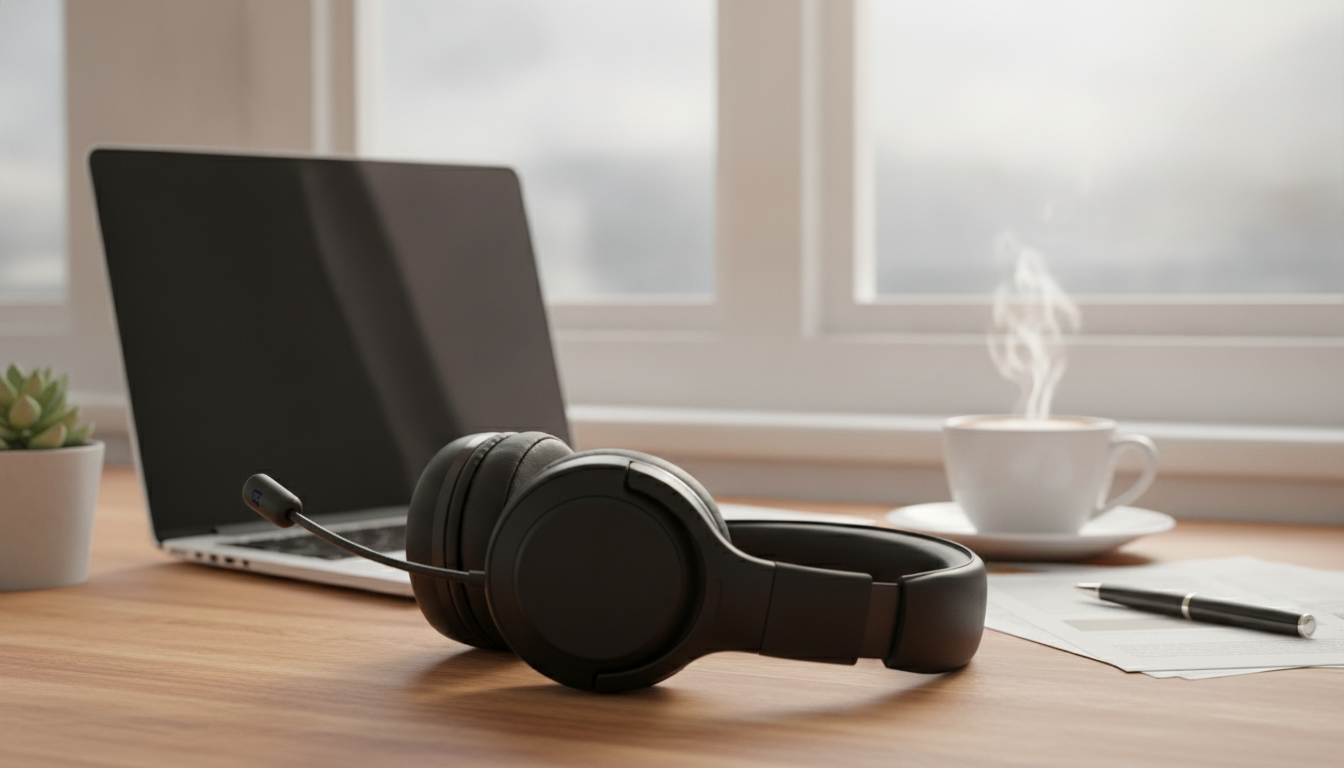
Wireless Bluetooth Over-Ear Headphones with Mic: HiFi Bass and Noise Reduction for Everyday Listening
Wireless over-ear headphones can make daily listening simpler: fewer cables, fuller sound, and clearer calls. If you’re shopping for a Bluetooth over-ear headset with a built-in mic, bass-forward tuning, and noise reduction, the details that matter most are fit (for seal and comfort), connection stability (for fewer dropouts), and how the mic handles real-world noise. Below is a practical breakdown of what to expect—plus quick checks you can do at home for sound, calls, and comfort.
What These Headphones Are Best For
- Commutes and travel: Over-ear cushioning helps block some ambient noise, and noise reduction can make music and podcasts easier to hear at lower volumes.
- Work calls and remote classes: A built-in microphone helps handle voice chats without reaching for a separate headset.
- Everyday music: Bass emphasis can add impact to pop, hip-hop, EDM, and movies.
- Late-night listening: Over-ear design typically reduces sound leakage compared with many on-ear styles (fit dependent).
Sound Profile: HiFi Clarity with Bass Impact
“HiFi bass” usually signals a fun, weighty low end—great for modern music and cinematic soundtracks—while still aiming for clean vocals and treble detail. The best results come from a combination of driver performance and how well the earcups seal around your ears.
- Bass-forward tuning: Expect deeper low-end presence for kick drums and cinematic rumble; check that mids (vocals) stay clear at higher volumes.
- HiFi listening basics: Perceived detail comes from driver control, seal quality around the ears, and stable Bluetooth connection—not just volume.
- Noise reduction vs. isolation: Passive isolation depends on earcup seal; electronic noise reduction (if included) can further reduce steady background sounds.
- Tip: A better seal usually means stronger bass and improved noise blocking—glasses and hair can affect this.
Quick expectations by use case
| Use case | What to look for | Why it matters |
|---|---|---|
| Music (bass-heavy) | Secure ear seal, stable Bluetooth | More punch without distortion and fewer dropouts |
| Podcasts/audiobooks | Clear mids/voice range, comfortable fit | Voices sound natural for long sessions |
| Calls/meetings | Mic placement and noise handling | Improved intelligibility in busy spaces |
| Travel/commute | Cushioned over-ear pads, noise reduction | Less listening fatigue and lower volume needs |
Microphone and Call Quality: What Affects Clarity
A built-in mic is convenient, but call quality depends on the environment, Bluetooth settings, and how consistently the headset sits on your head.
- Ambient noise handling: Call clarity depends on how well the mic filters wind, traffic, and room echo.
- Placement and fit: A consistent fit keeps the mic position stable, helping voice pickup remain even.
- Bluetooth profiles and device settings: Phone/PC audio settings can change mic behavior; selecting the correct input device improves results.
- Practical test: Record a short voice memo in a quiet room and a busier room to compare intelligibility.
If a laptop call sounds “muffled,” check that your video meeting app is using the headphone mic as the input and the headphones as the output. On some computers, selecting a “headset” mode prioritizes the mic but can reduce playback fidelity—use “headphones/stereo” mode when you don’t need the mic.
Comfort and Fit: Over-Ear Design Done Right
Bluetooth Performance: Pairing, Range, and Lag
For a deeper technical overview of how Bluetooth is standardized across devices, the Bluetooth Core Specification is the canonical reference.
Battery and Charging Habits That Preserve Performance
Because noise reduction can help you listen comfortably at lower volumes, it may also support safer listening habits; see NIOSH guidance on exposure and volume considerations here: Hearing protectors and safe listening guidance (NIOSH).
At-a-Glance Specs and Shopping Checklist
If you want a clear explanation of how electronic noise canceling works (and why it’s most effective on steady sounds), this overview is helpful: Noise-cancelling headphones: how they work (Explain That Stuff).
Decision checklist
| Priority | Best indicator | Simple at-home check |
|---|---|---|
| Big bass | Tight seal + controlled low end | Listen at mid volume; bass should stay defined |
| Clear calls | Stable mic pickup | Voice memo test in quiet and noisy areas |
| Comfort | Even pressure + pad depth | Wear 30 minutes; note hotspots or heat buildup |
| Noise control | Seal + noise reduction features | Try near a fan or traffic; see if volume can stay lower |
Product Spotlight: Wireless Bluetooth Over-Ear Headphones with Mic, HiFi Bass, Noise Reduction
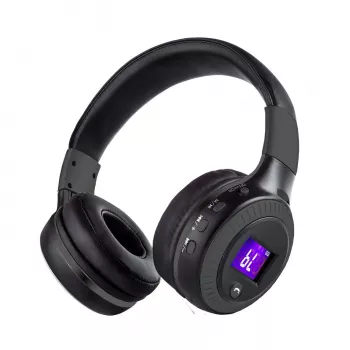
If you want a straightforward, everyday headset that covers the basics—wireless listening, a built-in mic for chats, and bass-forward sound—start with Wireless Bluetooth Over-Ear Headphones with Mic, HiFi Bass, Noise Reduction. It’s positioned as a budget-friendly option compared with many premium over-ear models, while still aiming to deliver fuller low end and less distraction from background noise.
More In-Stock Picks You Can Browse
- 60-Inch Wall-Mounted Electric Fireplace Heater with App Control & Remote
- Portable Folding Camping Table
FAQ
Does noise reduction mean active noise canceling?
Not always. “Noise reduction” can refer to passive isolation from the earcups, noise reduction on the microphone for calls, or true active noise canceling (ANC) that uses microphones and processing to counter steady sounds. Check the product feature list for explicit “ANC” wording and any dedicated controls.
Will these work for phone calls and video meetings on a laptop?
In most cases, yes—Bluetooth headphones with a built-in mic can be used for calls on phones and for meetings on laptops. For the best results, select the headphones as both the input (microphone) and output (speaker) device in your operating system and meeting app, and expect clearer audio in quieter environments.
Why does the bass sound weaker sometimes?
The most common reason is an imperfect earcup seal caused by glasses, hair, or a shifted fit. Battery-saving modes (if present) and EQ settings can also reduce low-end impact. Re-seat the headphones for a better seal and try a flat EQ to confirm the baseline sound.













Leave a comment