Fast Image Ideas Checklist: AI Prompt Builder for Etsy
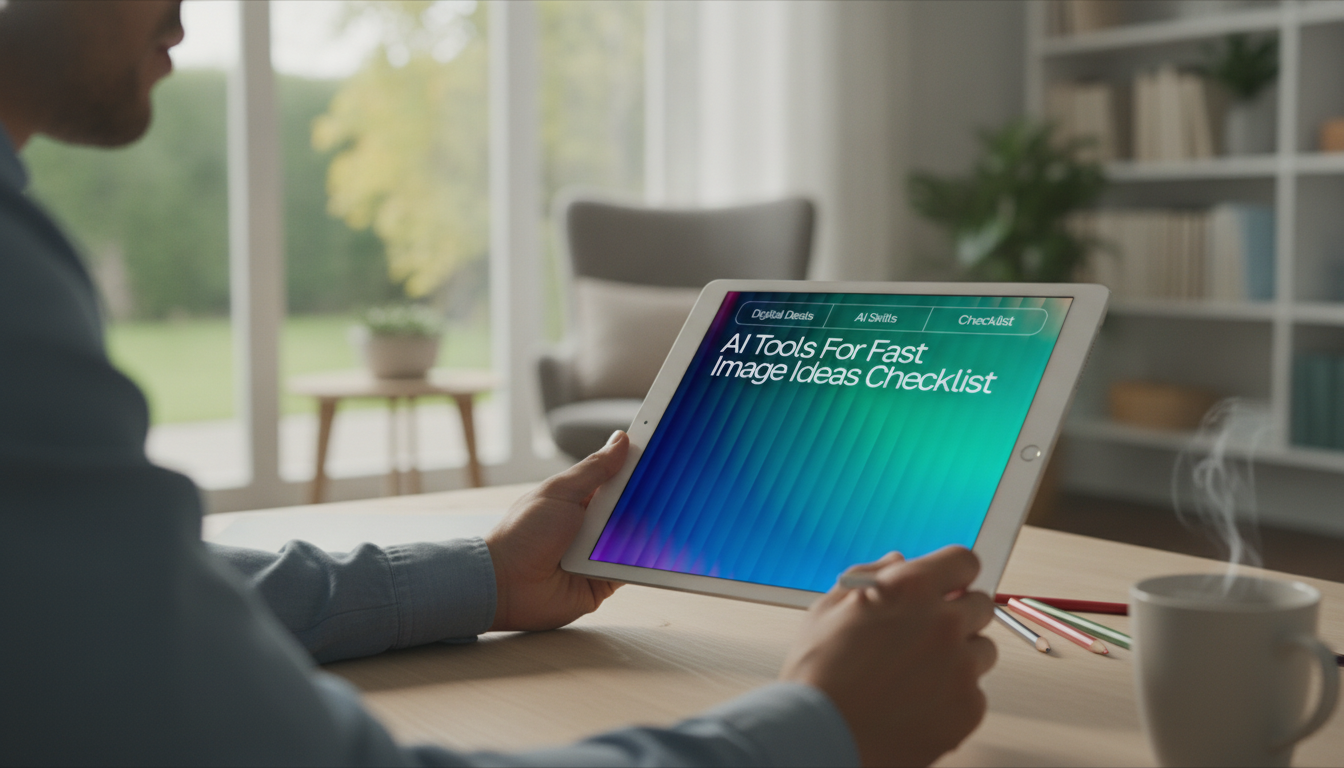
AI Tools for Fast Image Ideas Checklist: A Creative Prompt Builder for Designers, Creators & Etsy Sellers
Consistent image concepts are easier to produce when idea generation is separated from execution. This checklist-style builder turns a vague theme into clear visual directions—so mockups, listings, social posts, and product graphics can be planned quickly, repeated reliably, and adapted to different styles or audiences. For more guidance, see 10 Best AI image generators to design and sell faster – Printify.
What This Digital Checklist Does
- Provides a repeatable sequence for turning a concept into image-ready directions (subject, style, setting, lighting, color, composition, and output format).
- Reduces decision fatigue by offering structured fields to fill rather than starting from a blank page.
- Keeps brand consistency by capturing preferred looks (palette, mood, lens feel, textures) that can be reused across batches.
- Works for multiple use cases: product mockups, social graphics, thumbnails, printable designs, and listing images.
If you want a ready-to-use, fill-in format, see the digital download here: AI Tools for Fast Image Ideas Checklist | Creative Prompt Builder | Digital Download for Designers, Creators & Etsy Sellers.
Who It’s Made For
- Designers who need quick creative direction for client drafts, mood boards, and concept variations.
- Content creators planning batches of visuals for reels, pins, thumbnails, and post carousels.
- Etsy sellers who want cohesive listing photos, lifestyle scenes, and seasonal refreshes without reinventing the wheel each time.
- Beginners who want guidance on what details to specify (instead of guessing what to ask for).
For platform-specific best practices on listing imagery and shop presentation, the Etsy Seller Handbook is a helpful reference point.
The Core Building Blocks (So Ideas Stop Stalling)
When an image concept feels “close but not quite,” it’s usually missing one or two specifics. The checklist focuses on a few building blocks that keep your direction clear without making the process feel heavy.
- Subject + action: what is shown and what is happening (e.g., “hand holding,” “flat lay,” “product on pedestal”).
- Audience + intent: what the image is meant to achieve (trust, curiosity, luxury, cozy, minimalist).
- Scene details: environment, props, time of day, weather, surface materials, and background behavior (clean, bokeh, textured, pattern).
- Style decisions: illustrative vs. photographic, realism level, era references, editorial vs. playful, handcrafted vs. polished.
- Technical preferences: aspect ratio, framing, depth of field, lighting direction, and negative space for text.
When working with generative tools, it also helps to stay aware of usage guidelines for the platform you’re using. For example, Adobe shares practical guardrails here: Adobe Firefly: Generative AI User Guidelines. General policy considerations are also outlined here: OpenAI Policies.
Checklist Workflow for Fast Image Concept Batches
The fastest batches come from controlled variation: keep a few “brand constants,” then rotate one variable at a time. That way, every option still looks like it belongs to the same shop, feed, or campaign.
- Start small: choose one product/topic and generate 10 variations by changing only one variable at a time (background, lighting, mood, season, colorway).
- Build a house style: lock 3–5 constants (palette, texture, lens feel, composition) and rotate the rest.
- Use constraints: limit props to 3, colors to 2–3, and lighting to one dominant source to speed up decisions.
- Document winners: save the best combinations as reusable templates so future batches take minutes, not hours.
Fast Variation Map (Change One Variable at a Time)
| Keep Constant | Swap Variable | Example Options | Best For |
|---|---|---|---|
| Product + framing | Background surface | marble, linen, kraft paper, wood | Etsy listing cohesion |
| Palette | Lighting mood | soft daylight, golden hour, dramatic side light | Seasonal refreshes |
| Style | Props | botanical, office tools, kitchen items, gift wrap | Lifestyle scenes |
| Composition | Camera distance | wide, mid, close-up detail | Carousel storytelling |
| Setting | Time theme | spring, back-to-school, holiday, weekend | Campaign planning |
Examples of Finished Directions You Can Reuse
Once you have a handful of “winning” combinations, you can treat them like presets. Each one becomes a dependable starting point that still leaves room for fresh variation.
- Clean listing hero: centered product, soft daylight, neutral background, gentle shadows, ample negative space for overlay text.
- Lifestyle story: product in use, candid hands, warm interior tones, shallow depth of field, subtle texture on surfaces.
- Premium editorial: dramatic side light, high contrast, minimal props, luxury materials (stone/metal), crisp edges.
- Playful brand: bright palette, bold shapes, simple background patterns, high-key lighting, energetic composition.
- Seasonal bundle: cohesive set of 4 images (hero, detail, lifestyle, packaging) with one repeating color and texture.
Practical Tips for Etsy-Ready and Social-Ready Visuals
If your batching sessions happen in a home studio, comfort and consistency matter there too. A cozy background can help you stay focused during long creation blocks—some creators like adding ambient warmth with a 60-Inch Wall-Mounted Electric Fireplace Heater with App Control & Remote. For quick layout changes (flat lays, mock scenes, or packing photos), a movable surface like a Portable Folding Camping Table can make resets faster.
What’s Included and How to Use the Download
Get the Checklist
Shop the AI Tools for Fast Image Ideas Checklist (Digital Download)
FAQ
Is this a physical product or a digital download?
This is a digital download delivered electronically. No physical item is shipped.
Do the checklist and prompt builder work for both product photos and graphic-style images?
Yes. The format supports photo-real and illustrative directions by letting you specify style, scene, and technical preferences in a consistent way.
How can this help keep an Etsy shop’s images consistent?
It helps you lock in a few brand constants—like palette, lighting mood, and composition—then reuse saved templates across new listings and seasonal updates.










Leave a comment