JetHexa Hexapod: ROS SLAM + Nav on Jetson Nano
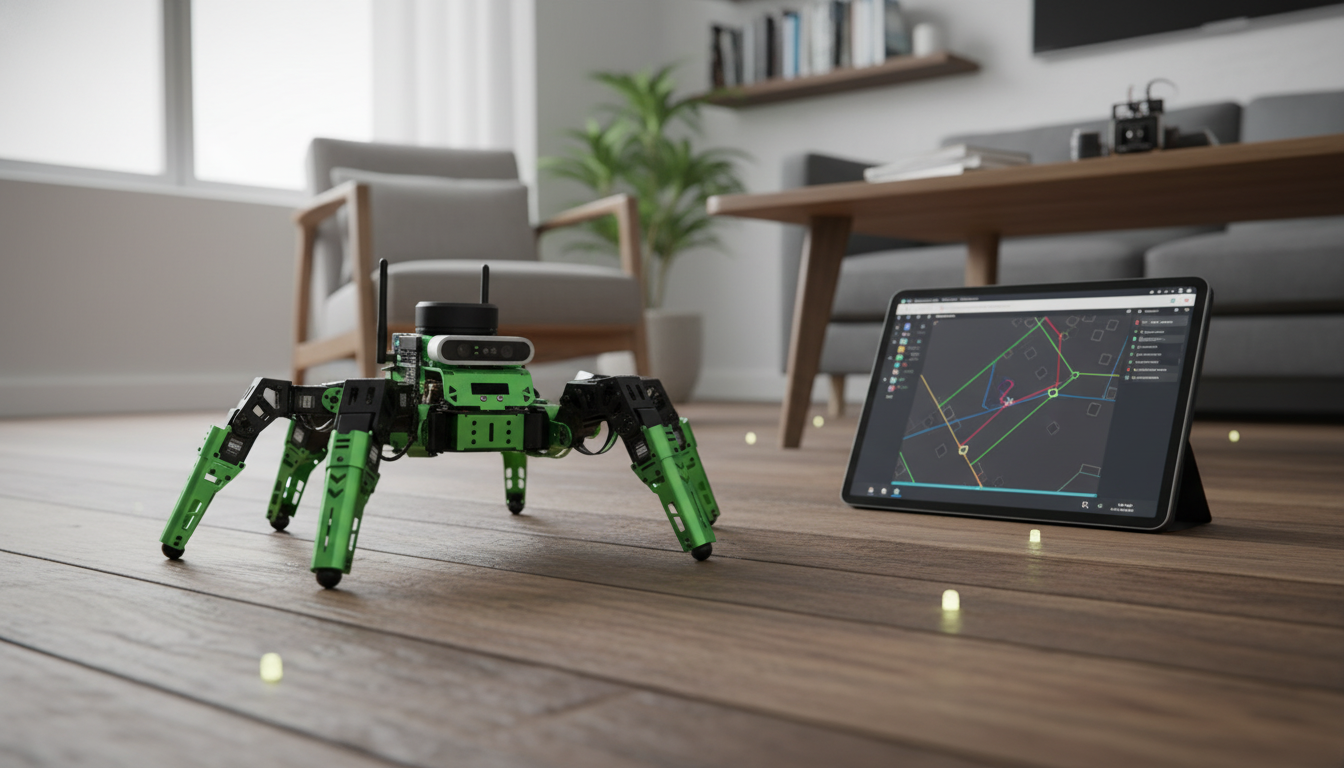
JetHexa ROS Hexapod Robot Kit: SLAM Mapping, Navigation, and Jetson Nano Power
JetHexa is a hexapod robotics kit built for advanced learning and prototyping—combining ROS-based software, SLAM mapping, and autonomous navigation with NVIDIA Jetson Nano compute. With six legs for stable walking over uneven surfaces, it supports hands-on work in perception, motion planning, and AI-enabled robotics.
What JetHexa Is Designed To Do
JetHexa is geared toward indoor autonomy experiments where you want a full robotics workflow—sensing, mapping, localization, planning, and motion—on a legged platform rather than a simple wheeled rover.
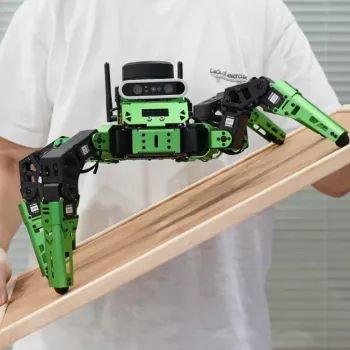
- Six-legged locomotion for stability on surfaces where wheels struggle (thresholds, cables, uneven floors).
- ROS-based workflow for mapping, localization, navigation, and modular integration with sensors and nodes.
- SLAM mapping capability to build a map of an environment while estimating the robot’s position.
- Navigation stack support to plan and follow paths while avoiding obstacles (configuration-dependent).
- Jetson Nano computing for running vision and ML workloads alongside robot control tasks.
Core Capabilities: SLAM, Localization, and Navigation
Mapping (SLAM)
JetHexa’s mapping workflow typically targets 2D occupancy maps for indoor spaces, letting you iterate by adjusting SLAM parameters, refining sensor placement, and improving scan alignment. This is especially useful for learning how real-world data quality (vibration, drift, reflections) impacts map consistency.
- Mapping: generate 2D occupancy maps for indoor spaces; supports iterative improvement through parameter tuning and sensor placement.
- Best-use environments: indoor rooms and hallways with distinct features; avoid highly reflective/featureless spaces where SLAM can degrade.
Localization
Once a map is saved, localization focuses on maintaining a stable pose estimate on that known map. This is where you can evaluate drift, watch recovery behavior after temporary occlusions, and verify the transform tree stays coherent as the robot walks and turns.
- Localization: maintain a stable pose estimate on a known map; evaluate drift and recovery behavior when occlusions occur.
Navigation and Path Planning
With navigation enabled, JetHexa can plan a global route to a goal pose and react locally to avoid obstacles (depending on the sensors and configuration). A common learning win is seeing how conservative velocity limits and sensible costmap settings can turn “twitchy” motion into smoother, safer autonomy.
- Path planning: global planning to a goal pose plus local planning for dynamic obstacle avoidance (depending on sensor inputs).
- Typical workflow: bring up sensors → run SLAM → save map → launch localization + navigation → send goals in RViz or via scripts.
For deeper background on navigation components and tuning concepts, the ROS Navigation (Nav2) Documentation is a helpful reference.
Jetson Nano Advantage for Robotics Projects
Jetson Nano adds practical edge-compute headroom, which matters when a robotics project transitions from basic teleoperation to perception-driven autonomy. Instead of offloading everything to a desktop, you can keep camera pipelines, inference, and control loops closer together on-device.
- Edge compute headroom for camera processing, object detection, and tracking while still running ROS nodes.
- CUDA-enabled acceleration for supported vision/AI frameworks, helping maintain smoother real-time perception pipelines.
- Ideal for experimentation with perception-to-navigation loops (detect → decide → move) rather than only teleoperation.
- Practical considerations: plan adequate power, cooling, and storage; optimize models and frame rates for stable autonomy.
For platform specifics and supported tooling, see the NVIDIA Jetson Nano Developer Kit page.
Hexapod Locomotion: Why Six Legs Matter
A hexapod changes what “mobile robot practice” looks like. Instead of focusing only on wheel odometry and differential drive tuning, you get to explore gaits, stability, and body control—while still running the same mapping and navigation ideas used across robotics.
Setup Path: From Assembly to First Autonomous Run
Pre-Run Checklist
| Step | What to verify | Why it matters |
|---|---|---|
| Mechanical calibration | All legs center correctly; no binding | Prevents drift, overheating, and unstable gaits |
| TF frames | base_link, odom, map, sensor frames are consistent | Avoids mapping/navigation failures |
| Sensor data | Stable scan/point cloud rate; no dropouts | Improves SLAM accuracy and localization stability |
| Power and cooling | Sufficient supply; Jetson temperature stable | Prevents throttling and unexpected resets |
| Safety limits | Low initial speed/torque limits | Reduces tip-over risk during tuning |
Who It Fits: Learning, Research, and Prototyping
If you want additional theory and links to common SLAM methods, OpenSLAM is a useful directory of resources.
At-a-Glance Overview
Quick Comparison of Common Mobile Robot Approaches
| Approach | Strengths | Limitations | Best use |
|---|---|---|---|
| Hexapod (JetHexa style) | Stable on uneven surfaces; rich gait/IK learning | More tuning/complexity; higher power draw | Robotics learning + legged autonomy demos |
| Small wheeled rover | Simple control; efficient power use | Gets stuck on obstacles; less gait learning | Fast prototyping on smooth floors |
| Tracked platform | Good traction; obstacle handling | More floor wear; steering dynamics | Rugged indoor/outdoor testing |
Available Products
- JetHexa ROS Hexapod Robot Kit SLAM Mapping and Navigation Enabled, Jetson Nano Powered — $1456.49
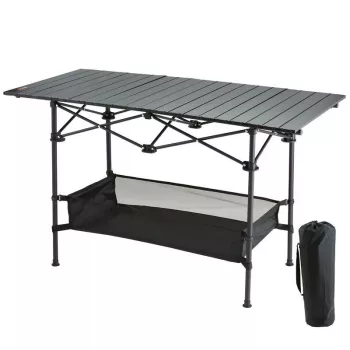
- Portable Folding Camping Table — $73.51 (handy as a compact build/tuning station for workshops, classrooms, or demo days)
FAQ
Does it work with ROS and RViz for mapping and navigation?
Yes—typical setups use ROS tools and RViz to visualize sensor data, build maps with SLAM, and send navigation goals. Reliable operation depends on compatible ROS packages, correct launch files, and a consistent tf frame tree.
What is needed to get reliable SLAM results indoors?
Stable sensor data, correct tf frames, and an environment with clear features (walls, corners, furniture) make the biggest difference. Consistent power and careful tuning of SLAM and navigation parameters also help reduce drift and improve loop closure behavior.
Is Jetson Nano necessary, and what does it improve?
It isn’t strictly necessary for basic motion and mapping, but it significantly improves on-device perception and AI workloads. Jetson Nano helps run camera pipelines and ML inference with more headroom, enabling smoother vision-driven autonomy experiments.














Leave a comment